
Process automation
Let software do the repetitive work.
Copying data between systems, chasing approvals and filling in the same forms take hours every week. We map these processes, then automate them with workflows, software robots and integrations that run reliably and can be audited.
In detail
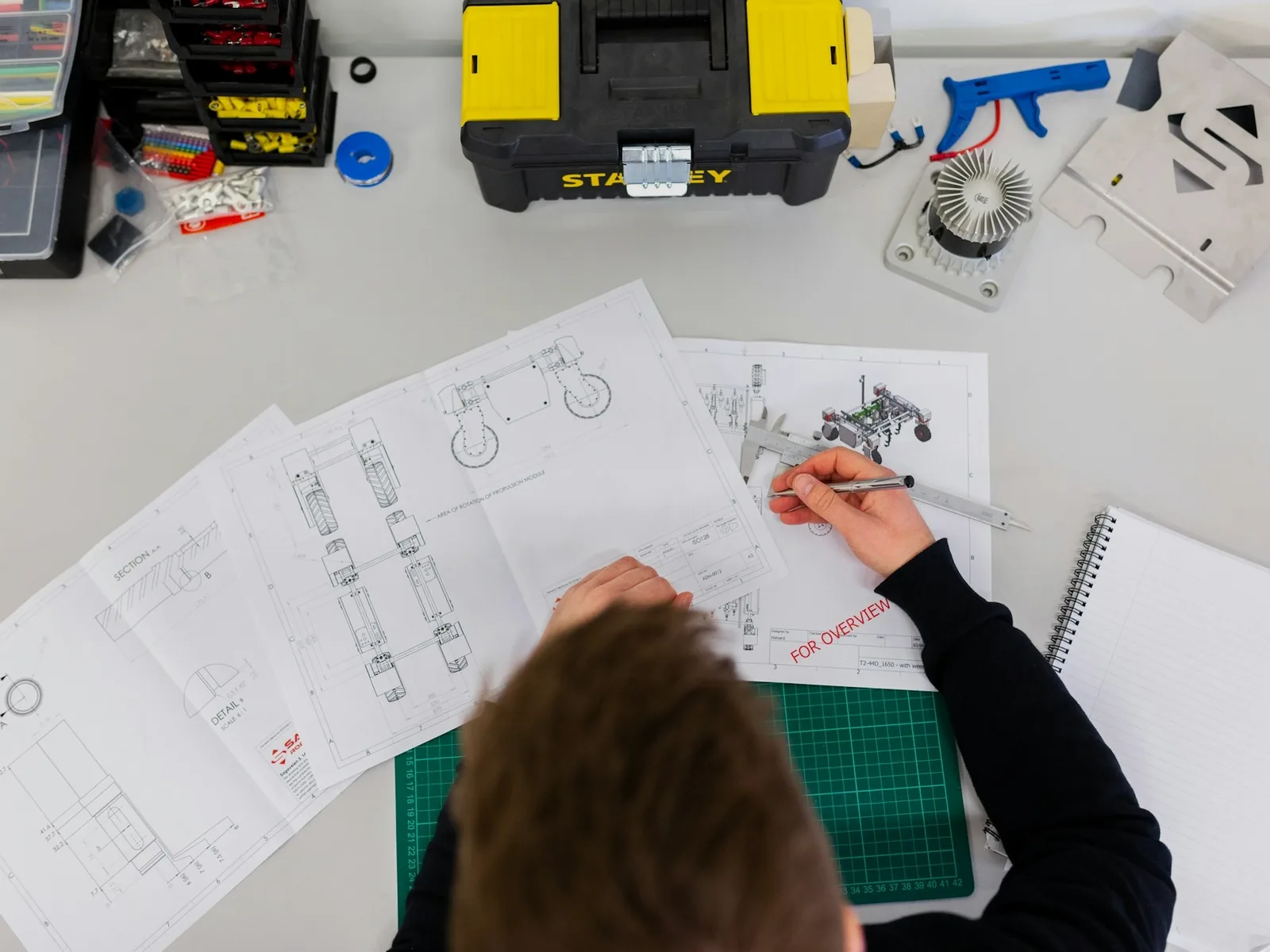
Business process automation fails when it copies a messy process into software. Steps that exist only because of old systems, approvals whose purpose nobody remembers and exceptions handled by email all become harder to change once they are automated. We first simplify the process together with the people who run it, then decide what should be automated, what should stay manual and what should be removed altogether.
We choose the tool to fit the job: API integrations where systems allow them, workflow engines such as Camunda for long processes with approvals, n8n for lighter integrations and RPA only where no other option exists. Every automation has an owner, error handling and alerts, so failures are noticed and fixed instead of silently stopping work. Good automation is easy to read, test and change when your rules change.
What we do
Process mapping
Document how work flows today and where time is lost.
Workflow automation
Approvals, notifications and hand-offs with BPMN engines and tools such as n8n.
Robotic process automation
Software robots for older systems that have no API.
Document processing
OCR and AI extraction from scanned documents and email.
System-to-system integration
Data moves automatically between your applications.
Monitoring and audit trails
Every automated step logged and visible.
How we work on it
Opportunity ranking
We estimate volume, effort and risk for each candidate process and agree a short list, starting with the work that gives your team the most time back.
Process redesign
Before automating, we remove unnecessary steps, clarify the rules and decide how exceptions are handled, so the automated process is simpler than the manual one.
Build and test
We build the automation in stages and test it with real cases, including errors, missing data and unusual inputs, before it handles live work.
Run and improve
After go-live we monitor every run, handle exceptions with your team and adjust the automation when rules, volumes or connected systems change.
What you get
- Hours of manual work saved every week
- Fewer data-entry errors
- Faster approvals and response times
- Full traceability of every step
Where it applies
Finance and accounting
Supplier invoices read from email, matched to purchase orders, checked against business rules and posted to the ERP, with exceptions sent to the right person for review.
Public administration
Applications submitted online are checked for completeness, routed to the responsible office and tracked until a decision, with notifications sent to citizens at each stage.
Telecom and utilities
Service requests, connection orders and customer data changes move automatically between CRM, billing and field service systems, with each step logged and visible to support staff.
What we deliver
- Maps of current and redesigned processes
- Prioritised automation backlog with effort estimates
- Tested workflows, robots and integrations in production
- Monitoring alerts and exception handling procedures
- Runbooks and training for process owners
Technologies
- RPA
- n8n
- Camunda
- BPMN
- OCR
- REST APIs
- Webhooks
Common questions
Which processes should we automate first?
High-volume, rule-based tasks with clear inputs: invoice entry, report generation, onboarding steps, data synchronisation. We help you rank them by effort and return.
Will automation replace our staff?
Its purpose is to remove repetitive tasks, so people can focus on work that needs judgement, contact and expertise.
What determines the cost of an automation project?
The number of steps and systems involved, whether those systems offer APIs, how many exceptions the process has and the licensing model of the tools. Open-source tools such as n8n and Camunda can reduce licence costs in many scenarios.
What happens when a connected system changes?
Changes to screens, APIs or business rules can break an automation, so we plan for them. Monitoring detects failed runs and alerts the process owner, and under a support agreement we update the workflow and test it again before it returns to live work.
How do you keep automations secure and auditable?
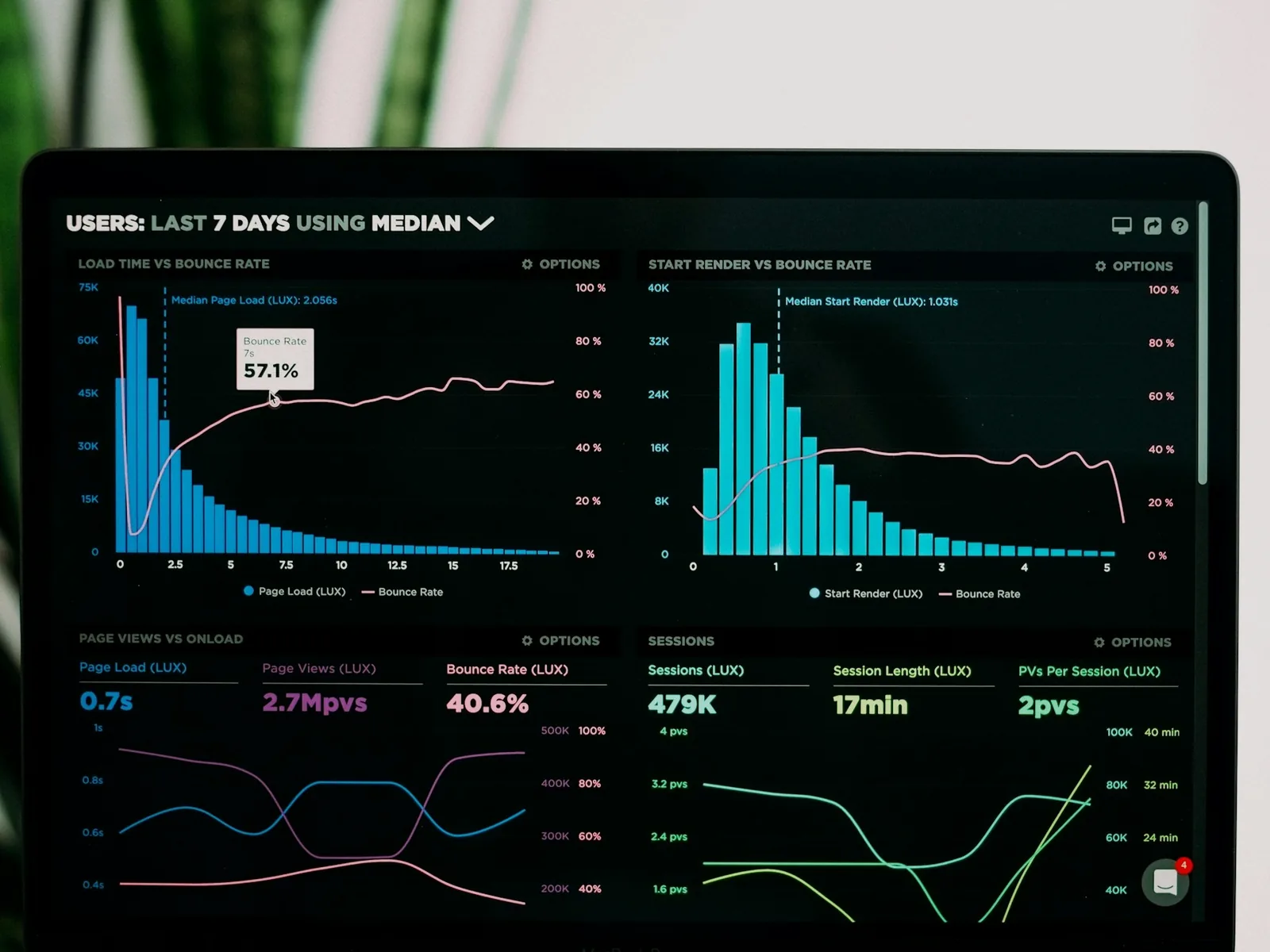
Robots and integrations use dedicated accounts with only the permissions they need, credentials are kept in a secure vault and every action is logged. We apply the same security controls that we follow under our ISO/IEC 27001 certification.


Ready to talk about it?
Describe what you need. A specialist will review it and propose the next step.