
Mobile apps
iOS and Android apps, from first prototype to the store.
We design and build mobile apps for customers, field teams and citizens. Native when performance matters, cross-platform when time to market matters, always connected to your backend and published on the App Store and Google Play.
In detail
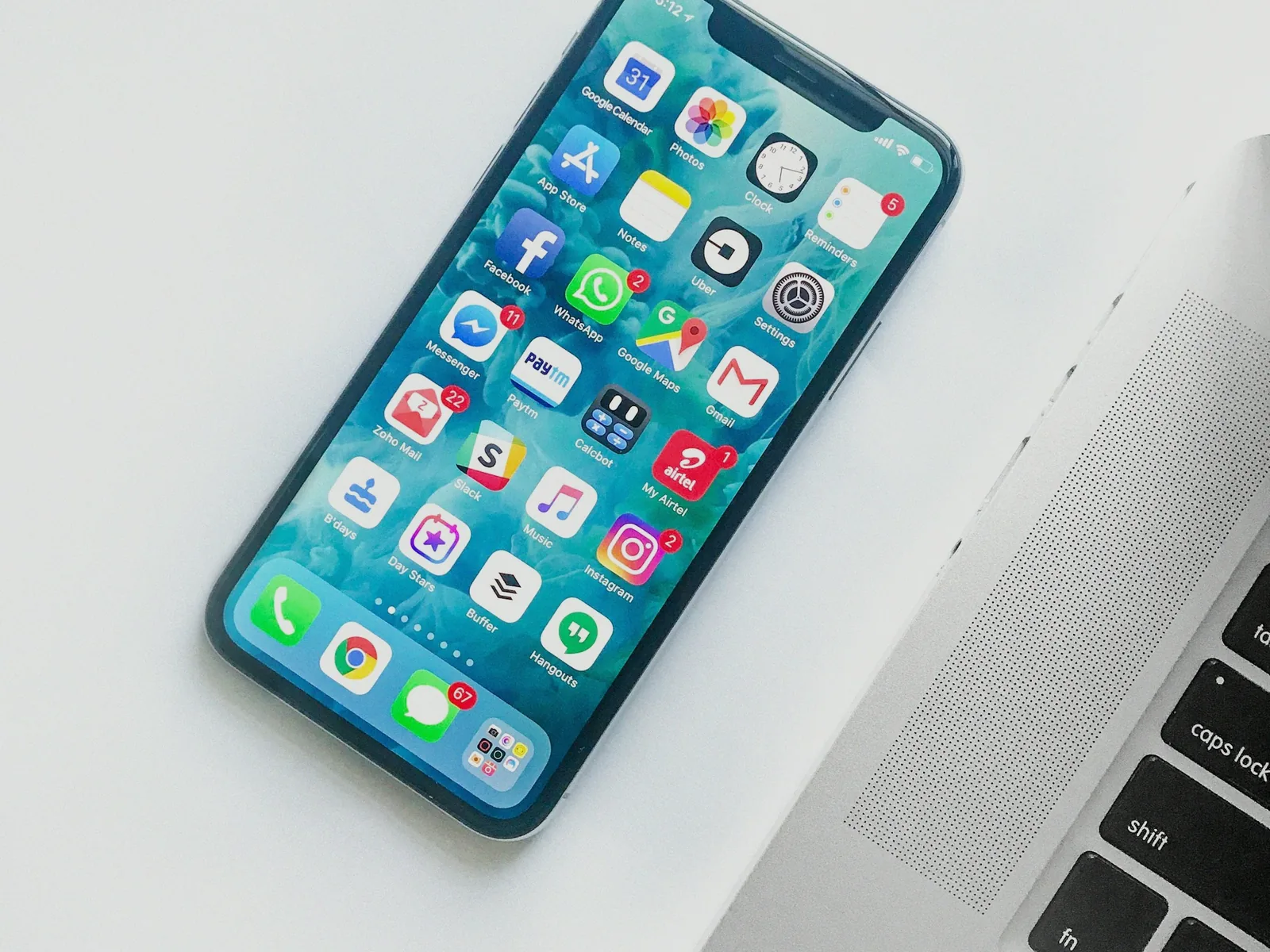
Many apps struggle after launch rather than before. They are slow on older phones, crash on one Android version, drain the battery or ask for permissions users refuse. Mobile app development that works in the real world starts with a clear idea of who will use the app, on which devices, with what connection, and what single task they need to finish quickly.
At WOW Digital we decide early what the app must do offline, which device features it needs and how it will be supported after launch. We then follow each platform's own design conventions, so the app feels familiar from the first use, and protect user data with secure storage, encrypted connections and the fewest permissions possible. Accessibility settings such as larger text and screen readers are part of the design, not an afterthought.
What we do
Native iOS and Android
Swift and Kotlin for apps that need full device performance.
Cross-platform apps
Flutter and React Native for one codebase on both platforms.
Backend and APIs
Secure APIs, user accounts and push notifications.
Offline-first apps
Field apps that keep working without signal and sync later.
Payments and loyalty
In-app payments, digital cards and reward programmes.
Store publishing
Submission, review and release management on both stores.
How we work on it
User flows and prototype
We map the key journeys, such as sign-up, a purchase or a field inspection, and test a clickable prototype with real users before any production code is written.
Architecture and API contract
We define the API contract with the backend, the data stored on the device, the authentication method and the minimum OS versions the app will support.
Build and device testing
Each build is tested automatically and on physical iPhones and Android phones of different ages and screen sizes, including slow networks, low battery and interrupted connections.
Beta, release and monitoring
Internal and external beta groups try each version through TestFlight and Google Play testing tracks. After release we follow crash reports and store reviews to plan fixes.
What you get
- One team for design, app and backend
- Faster releases with automated builds
- Submissions prepared to each store's guidelines
- Usage analytics to guide the next version
Where it applies
Banking and financial services
Customer apps for account overviews, card controls, transfers and notifications, built with biometric login, secure token storage and the audit trails that banks and other regulated institutions expect.
Municipal and citizen services
Apps that let citizens report issues, book appointments, pay local fees or receive alerts from a municipality or agency, designed for every age group and accessible to people with disabilities.
Health and wellbeing
Appointment booking, reminders, test results and teleconsultation apps for private clinics and healthcare providers, where access control, consent and the protection of health data shape every screen.
What we deliver
- Clickable prototype tested with real users
- Production-ready iOS and Android builds
- Admin panel and documented backend APIs
- Device test report and accessibility checklist
- Privacy labels and data-use declarations for both stores
Technologies
- Swift
- Kotlin
- Flutter
- React Native
- Firebase
- App Store
- Google Play
Common questions
Native or cross-platform: which should we choose?
Cross-platform covers most business apps with one codebase and a lower cost. We recommend native when the app relies heavily on device hardware, complex animation or the latest platform features.
Can you take over an existing app?
Yes. We start with a review of the code and architecture, fix what is urgent and then continue development.
What drives the cost of a mobile app?
The number of screens and user roles, whether you need one platform or two, offline work, integrations with payment or business systems, and the admin tools behind the app. Ongoing costs include hosting, store fees, OS updates and new features.
Why does an app need updates after launch?
Apple and Google release new OS versions every year and regularly update store requirements, so an app that is not maintained can stop working properly or be removed from the store. We offer maintenance plans that cover compatibility updates, security patches, library upgrades and monitoring.
Who owns the app and its user data?
You do. Apps are published under your own developer accounts, and you receive the source code and signing keys. User data stays on infrastructure you choose, including EU data centres when required, and is processed under your own privacy policy.
Related services
Custom & enterprise software
Software shaped around how your organisation actually works.

Websites & web platforms
Fast, accessible websites and portals people can actually use.

SaaS product development
From idea to a subscription product that scales.
Ready to talk about it?
Describe what you need. A specialist will review it and propose the next step.